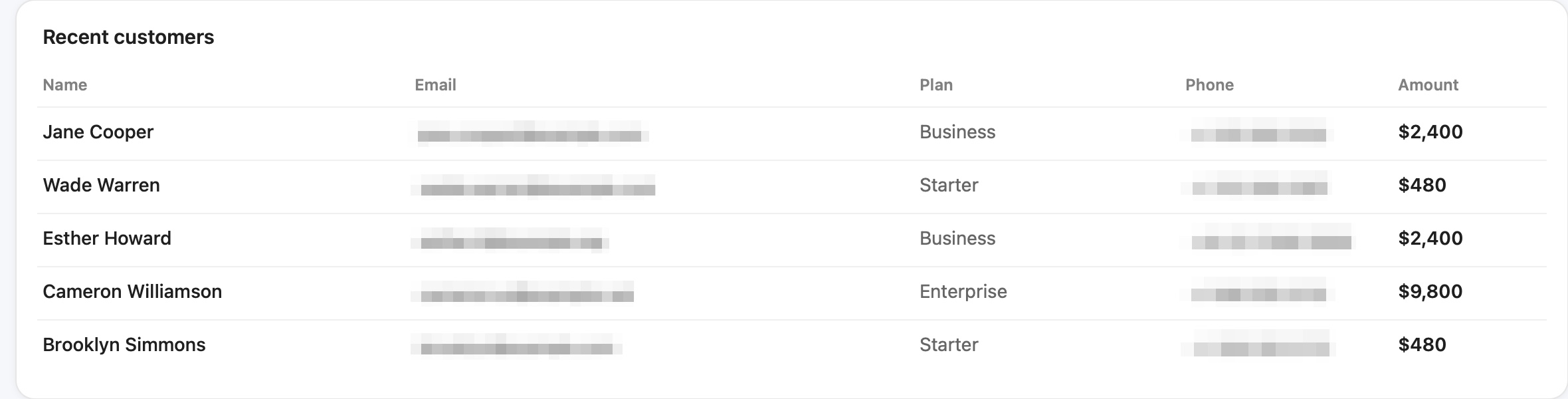
Hide customer data before it hits the ticket.
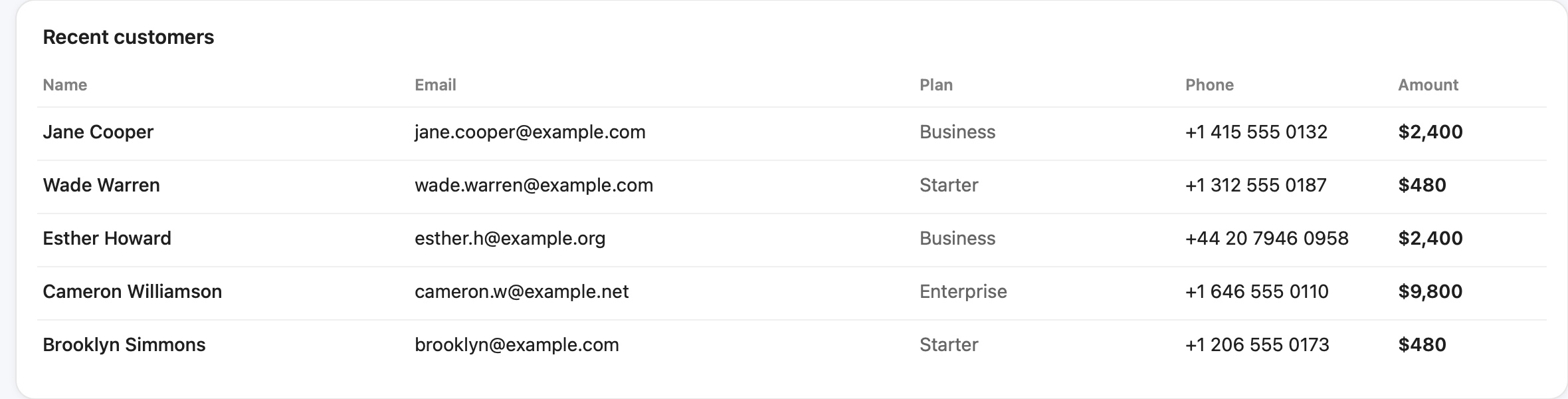
One hotkey over a customer's account page: emails, phone numbers and card numbers are pixelated, and the shot is on your clipboard, ready for Zendesk, Intercom or Slack.
Included: "Redact & Copy"Capture anything. Stack a whole story. Mark it up, hide the secrets and send it. Native, instant and private, on your Mac.
Instantly on your clipboard. Just ⌘V
then one letter
Free forever · 14 days of Pro included · macOS 14 Sonoma or later
Hit ⇧⌘1 and your screen freezes mid-moment. Grab anything. By the time you let go, it's on your clipboard. ⌘V and it's in Slack before anyone blinks.
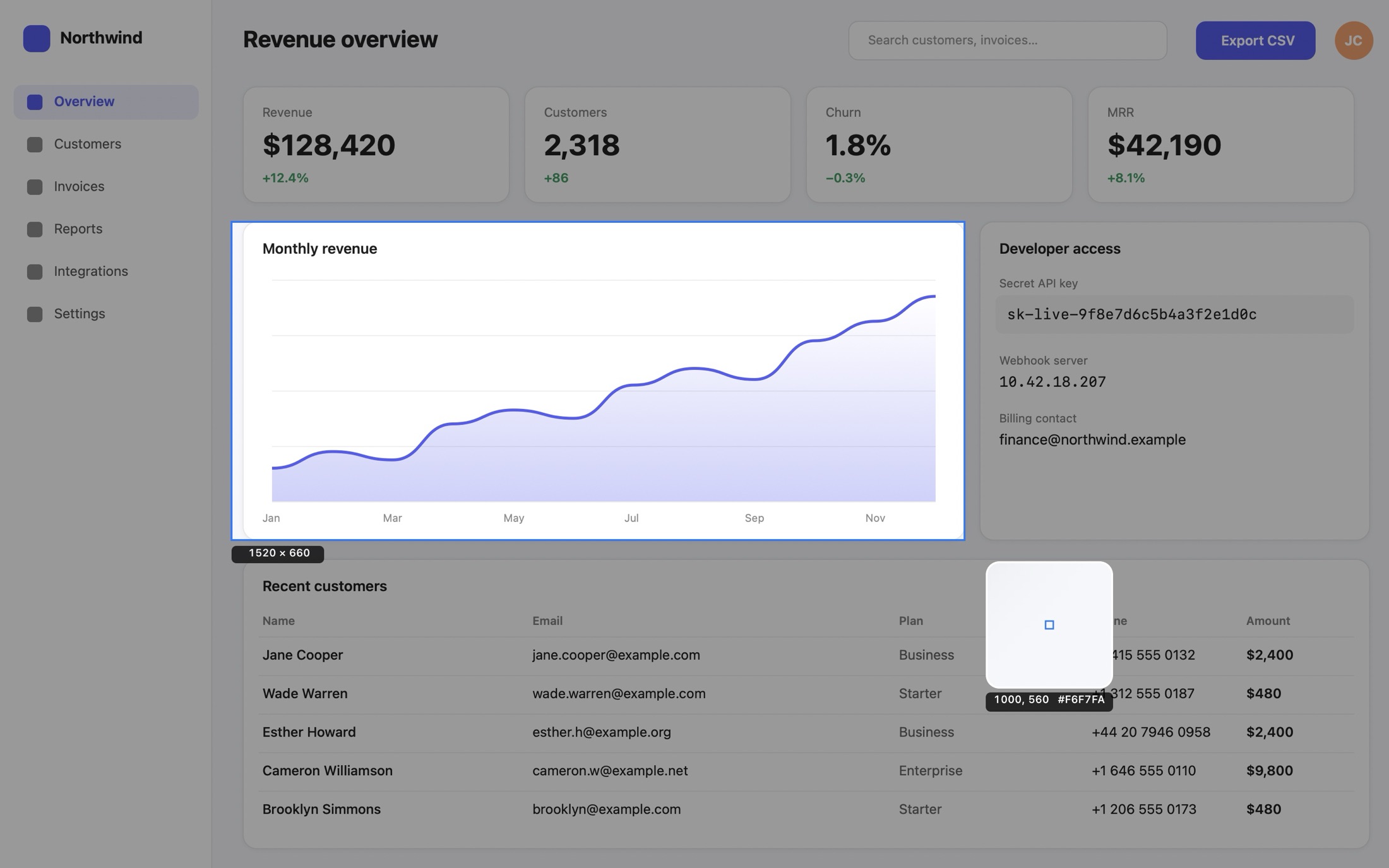
Drag to capture any area, or click a window to snap to it.

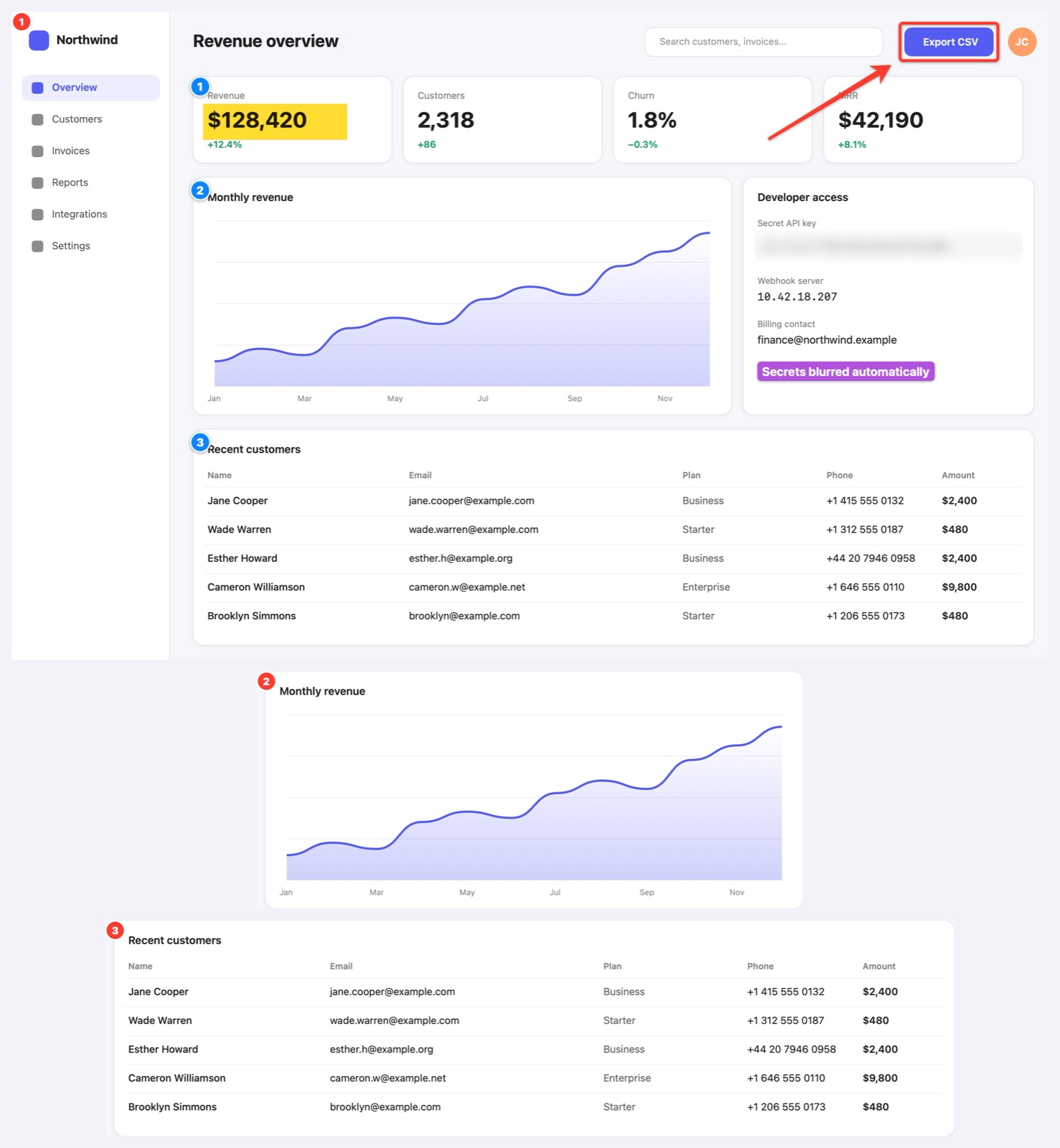
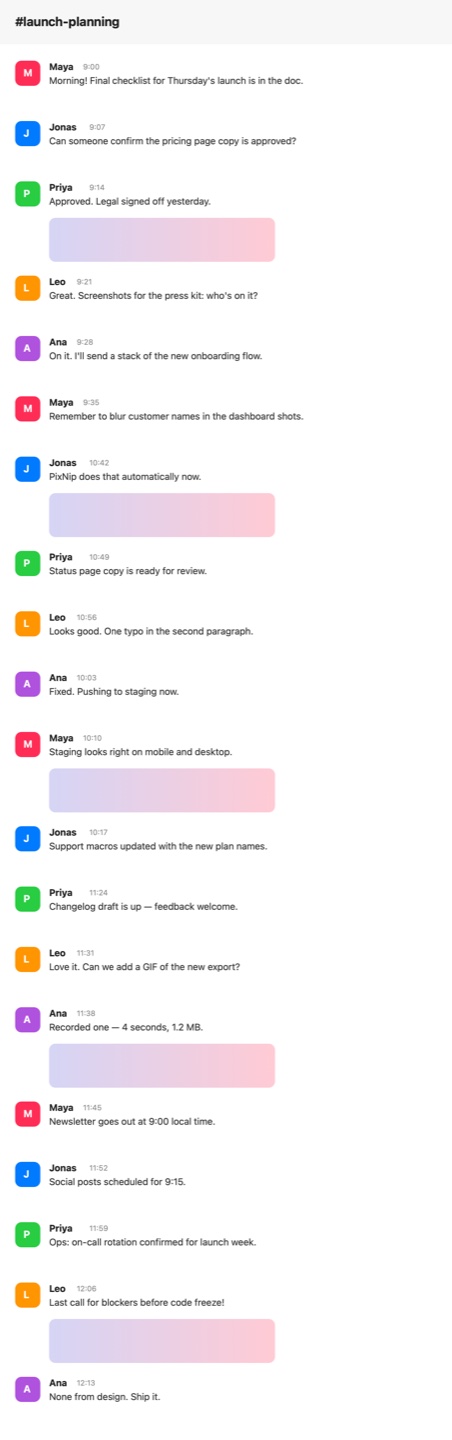
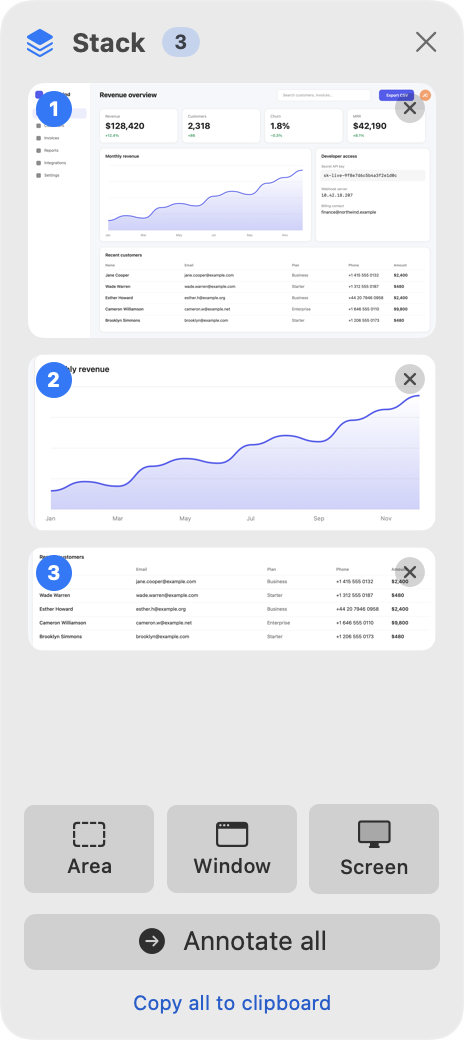
Bug reports, how-tos and emails need six screenshots, not one. Stack mode was built for exactly that.
Areas, windows, whole screens. No dialogs and no saving in between. Every shot lands in a floating tray.
Drag to reorder, tap × to toss one, or copy them all to the clipboard at once. Paste straight into Mail or Slack.
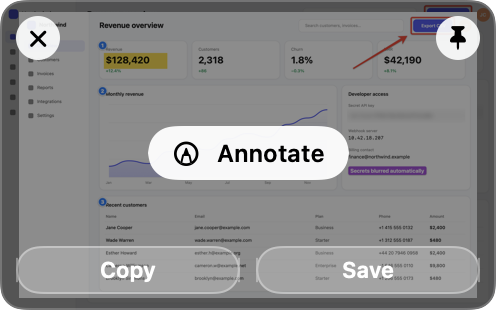
Arrows, numbered steps, highlights and blur, plus a caption for each shot. Undo is always one keystroke away.
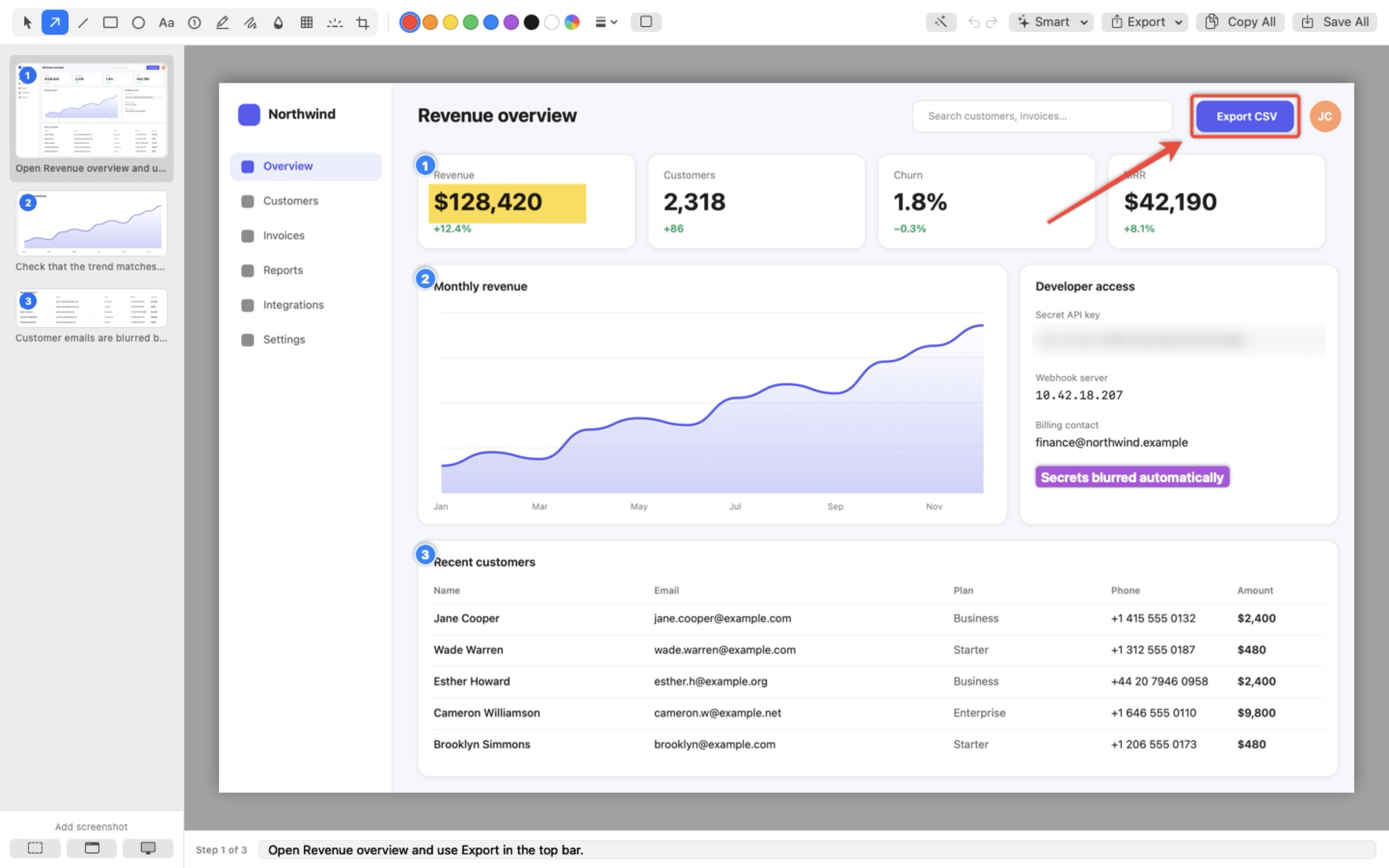
Captions become a step-by-step guide automatically. Your next how-to just wrote itself.

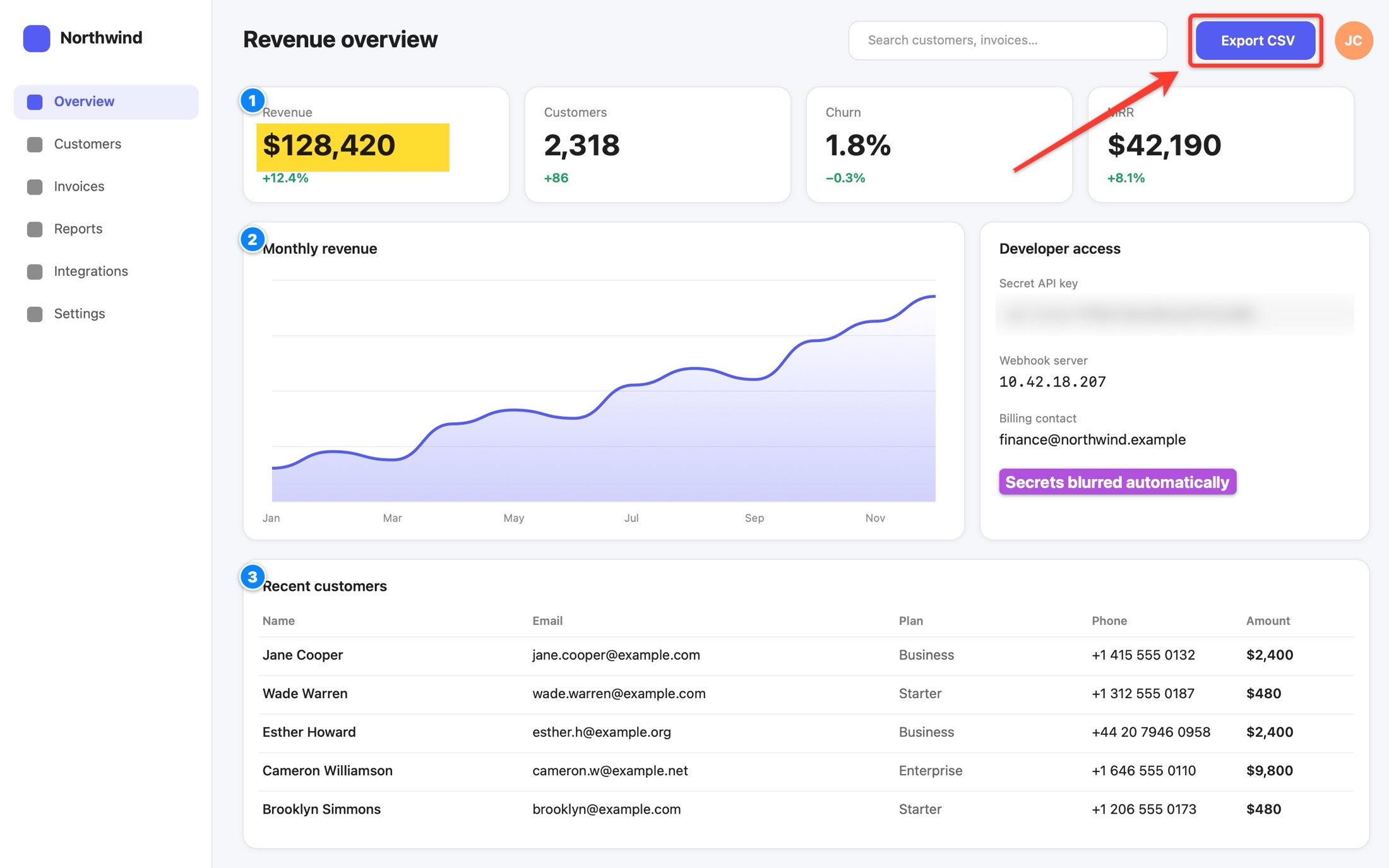
Thirteen tools, one key each. Shapes look polished by default: tapered arrows, soft shadows and numbered steps that count themselves.

One click and PixNip finds emails, phone numbers, card numbers, API keys, IP addresses and faces, then pixelates them. It all runs on your Mac, and nothing is uploaded.
Detection is smart, not perfect. Always check before you share, and cover passwords and keys with a solid block.
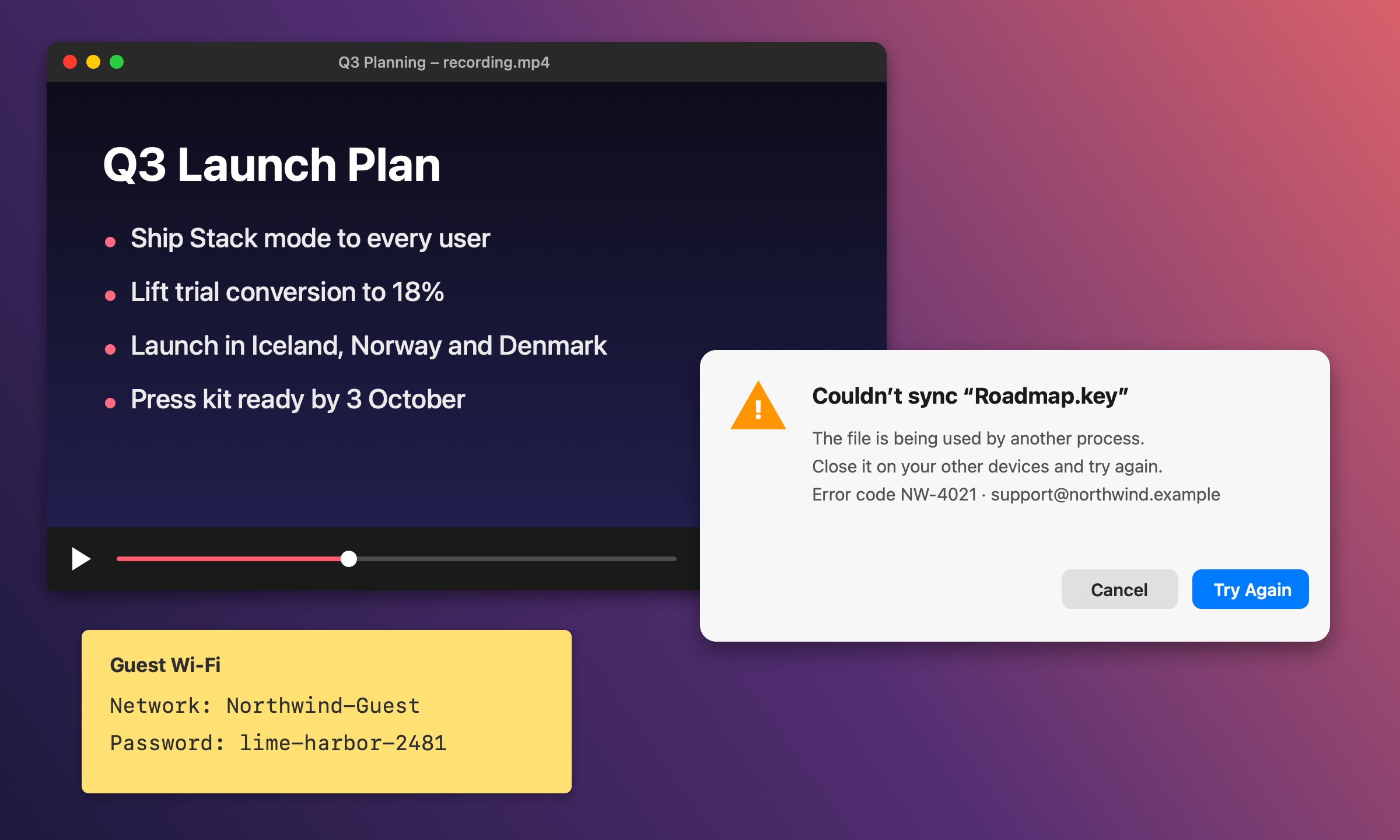
Paused videos, error dialogs, photos of a whiteboard, PDFs that won't let you select. Press ⇧⌘1, tap T, drag over the text, and it's on your clipboard. Recognition runs on your Mac, in many languages.
Your copied text appears here, ready to paste anywhere.
This demo really copies to your clipboard. In PixNip it works on anything on your screen.
Select a scrolling area and scroll, or let PixNip auto-scroll for you. Frames are stitched pixel-perfectly, and sticky headers appear just once. It works in every app, logged-in pages included.

Wrap any screenshot in a gradient, a color or your own image, with padding, rounded corners and a soft shadow, sized for social. Save your look once, and every screenshot you open in the editor starts on-brand. Try it with your own background:
Tap + or drop an image on the preview. It stays in your browser.
Chain a capture, the cleanup and where it goes into one hotkey. Or drive PixNip from Shortcuts, Raycast, Alfred, your scripts and the terminal.
$ pixnip area $ pixnip workflow "Redact & Copy" $ pixnip web https://example.com $ pixnip stack start # or from Raycast and Alfred $ open "pixnip://capture/window"
One hotkey over a customer's account page: emails, phone numbers and card numbers are pixelated, and the shot is on your clipboard, ready for Zendesk, Intercom or Slack.
Included: "Redact & Copy"Grab a window and it lands on your background with padding, rounded corners and a shadow. Drag it straight into X, LinkedIn or a slide.
Included: "Pretty Window for Social"scp "$PIXNIP_FILE" me@server:shots/
f=$(basename "$PIXNIP_FILE")
echo "https://shots.example.com/$f" | pbcopy
One hotkey uploads the shot to your own server and puts the link on your clipboard. Trigger it from Raycast, Alfred or a Shortcut too.
Every shot lands on your clipboard the moment you let go. ⌘V into Slack, Mail, Notion or Figma. No saving, no hunting for files.
Press C in the overlay to copy any pixel's hex. Hover here to try.
#C2349EFloat any shot above everything, for reference while you work.

Find past captures by the words inside them. Search "invoice" and there it is.
Record any region at up to 60 fps, with your clicks highlighted (macOS 15). One click turns it into a GIF.
Cut a product or person out of any shot in one click, right on your Mac.
Translate recognized text right on your Mac.
Die Datei wird auf einem anderen Gerät verwendet. Schließe sie dort und versuche es erneut.
The file is in use on another device. Close it there and try again.
Captions in, polished guide out.

Already reach for ⇧⌘4 without thinking? Let PixNip take over Apple's screenshot keys, and ⇧⌘4 becomes your one shortcut. Prefer to keep Apple's? PixNip runs on ⇧⌘1.
Every download includes 14 days of Pro. After that, the free version keeps working for as long as you like.
Launch offer · Save $10
One-time payment. Yours to keep.
Secure checkout by Lemon Squeezy · 14-day refund
PixNip is built around one idea: one shortcut, then a letter, for every kind of capture. On top of that, Stack mode turns several shots into one annotated story, a stitched image or a step-by-step PDF guide. Auto-Redact hides emails, phone numbers and keys on your Mac before you share, and workflows, a command-line tool and Shortcuts actions automate the rest. Pro is a one-time purchase with every 1.x update included. The free version is fully usable, so try them side by side.
No. Capture, text recognition, redaction and background removal all run on your Mac. PixNip only goes online for a license check with our payment provider, update checks, and pages you ask it to capture with Capture Web Page. Nothing is uploaded unless you write a workflow script that does it.
Yes. No subscription. Pro is a single payment that includes every 1.x update and works on up to 3 of your Macs. If there's ever a PixNip 2.0, existing customers will get an upgrade discount.
Yes. Email hello@pixnip.app within 14 days of buying, with your order number, and you get a full refund. No questions asked. See the refund policy.
PixNip switches to the free version. Nothing gets locked or deleted, and you can upgrade whenever you like.
Yes. A license is for one person, on up to 3 of their Macs, so buy one per person. Getting PixNip for 5 or more people? Email hello@pixnip.app for a team discount.
Any Mac running macOS 14 Sonoma or later, Apple silicon or Intel. Translate needs macOS 14.4 or later, and click highlights in recordings need macOS 15.
Yes. When you capture, every display freezes together, Retina and regular monitors side by side, and you select on whichever one you like.
Yes. Turn on "Use ⇧⌘3, ⇧⌘4 and ⇧⌘5 for PixNip" during setup or in Settings, and PixNip walks you through switching off Apple's versions.
No. Scrolling capture works in any app, and Capture Web Page renders a complete page from its URL. There's nothing extra to install.
Free forever · Pro from $29, one time